
Last Updated: July 2026 | ⏱️ Read Time: 8 min read
Sources: Verified industry references (Google, Microsoft, OpenAI)
Introduction
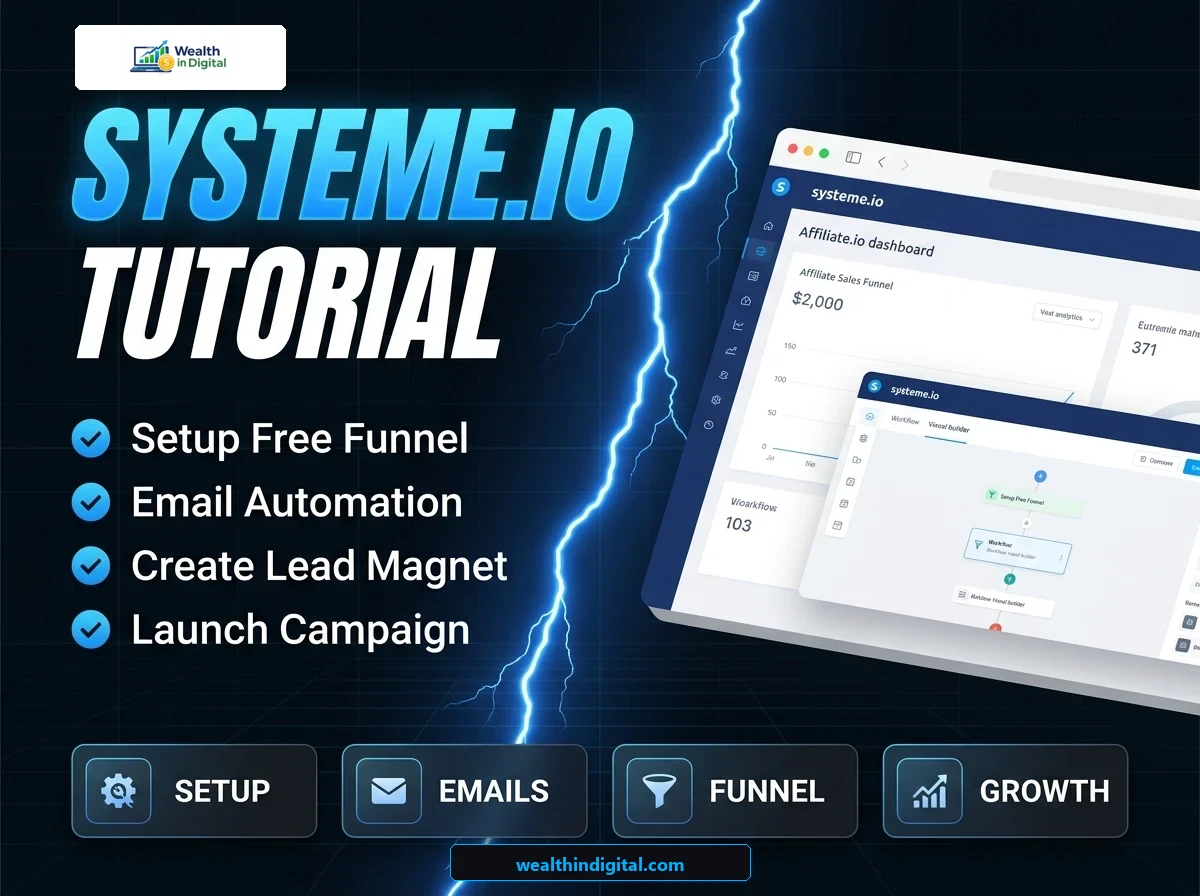
If you want to start affiliate marketing or sell digital products, you need a high-converting sales funnel. Traditionally, building a funnel required connecting multiple expensive software tools, which caused technical overwhelm. Today, we are sharing this step-by-step systeme.io tutorial to help you build a professional funnel completely for free.
Many new marketers face financial anxiety when starting out. However, you do not need to spend money on expensive systems to begin capturing leads. In this guide, we will walk you through the entire process of setting up your landing page, thank you page, and email follow-up rules.
To establish long-term digital growth, keeping software costs to a minimum is a smart strategy. Using free systems allows you to test different niches without financial risk. Therefore, this systeme.io tutorial will help you build a solid marketing foundation.
What is Systeme.io and Why Use It?
Systeme.io is an all-in-one marketing platform that simplifies sales funnels, email lists, and member areas. Instead of paying for hosting, page builders, and autoresponders separately, you get all these features in one place.
For beginners, the free plan of Systeme.io is highly generous, offering unlimited emails and up to three funnels.
Therefore, following a simple systeme.io tutorial is the fastest way to get your online business up and running. It allows you to build clean layouts without writing any code.
It also features a very intuitive visual builder that rivals expensive competitors. This makes editing and customizing templates extremely simple for anyone. By using this tool, you save both time and money.
Step 1: Creating Your Free Systeme.io Account
To begin, head to the official website and sign up with your email address. The signup process takes less than a minute and does not require a credit card. Once you confirm your email, you will be directed to the main dashboard.
This clean dashboard is where you will manage your contacts, pages, and emails. In this systeme.io tutorial, we will focus on the “Funnels” menu in the top navigation bar. Click on it and select “Create” to build your first funnel template.
Make sure to use an email address you check regularly. The system will send updates and login alerts to this address. Having a dedicated business email is best for organizing your marketing accounts.
Step 2: Choosing Your Funnel Goal and Template
When you click create, the software will ask you to select a goal. For affiliate marketing, choose the “Build an audience” option, which is designed to collect email addresses. You will also need to select your currency and give your campaign a name.
After saving, the platform will display a list of pre-designed templates for your opt-in page. Choose a clean, simple layout that has a clear headline and a signup form. A simple systeme.io tutorial recommendation is to avoid overcrowded designs that distract your visitors.
Templates with high contrast and simple white backgrounds convert at a higher rate. Avoid dark, cluttered layouts that make reading difficult on mobile devices. A clean aesthetic establishes trust immediately.
Step 3: Customizing Your Opt-in Landing Page
Click the edit button (the magic wand icon) on the right side to open the drag-and-drop page builder. You can customize the main headline to promise a valuable free gift, such as a PDF checklist or ebook. This gift is called your lead magnet, and it is the key to getting signups.
To edit text or move elements, simply click on them in the visual editor. When editing pages for this systeme.io tutorial, keep the form fields to just name and email to increase conversions. Once you are happy with the layout, click “Save changes” in the top right corner.
You can also adjust the font sizes and colors in the left settings panel. Ensure your main call-to-action button is large and matches your category accent color. Clear button designs guide users to subscribe quickly.
In addition, you should test how your opt-in page loads on different browsers. If there is a delay in rendering your CTA, users will leave. Keeping your page fast and responsive ensures you do not waste clicks.
Step 4: Setting Up Your Thank You Page
After visitors submit their email, they should be redirected to a thank you page. In the left sidebar of your dashboard, select the thank you page step and choose a simple layout. This page should thank them for joining and tell them how to download their free gift.
You can also use this page to recommend an affiliate offer that solves a related problem. This is a great way to start earning commissions from day one. In this systeme.io tutorial, we recommend putting a clear button on the page that links to your offer.
Make sure the download link for your free gift works perfectly. Providing what you promised immediately builds user trust and establishes your authority. This trust is crucial for future sales.
Step 5: Setting Up Email Automation Rules
Now, you need to configure the system to send an email automatically when someone signs up. In the page editor dashboard, click on the “Automation Rules” tab at the top. Select “Add rule” and choose the “Funnel step form subscribed” trigger.
Next, click “Add action” and choose “Send email” to write a welcome message containing the download link. This automation is a key feature we cover in this systeme.io tutorial because it works in the background. It ensures every subscriber gets their lead magnet immediately.
You should write a warm, friendly subject line to encourage high open rates. Keep the email message short and include a direct link to the download file. This simple message sets a professional tone for your list.
How to Connect Your Custom Domain for Branding
To make your marketing funnel look professional, you should connect your own custom domain name. By default, Systeme.io provides a subdomain, but using your own brand name builds much more trust. You can easily configure your DNS records in your domain registrar to point to your new funnel.
This setup is also completely free on their basic tier. Adding your own domain ensures your links look clean when shared on social media. It actually helps improve your email deliverability rates because your domain matches your sender address.
Additionally, using a custom domain email address instead of a free one improves your delivery rates. It ensures your newsletters do not end up in the promotions tab. This simple step makes your business look highly authoritative from the start.
Testing Your Complete Sales Funnel
Before sharing your link online, you must test the entire funnel to ensure it works correctly. Open your landing page URL in an incognito browser window and enter a test email address. Verify if you are redirected to the thank you page and check if you receive the welcome email. This simple confirmation saves you from sending traffic to a dead end.
Testing your setup prevents you from wasting traffic on a broken link. As you follow this systeme.io tutorial, make sure to check your dashboard contacts menu to confirm your test email was saved. If everything works, you are ready to start driving traffic.
My Top Traffic Strategy for Your Funnel
Once your pages are live, you need to drive targeted visitors to your landing page. I recommend writing helpful guides on a self-hosted blog and linking to your opt-in forms. You can study the fundamentals in our affiliate marketing guide for beginners to learn how to capture search traffic.
You can also use platforms like Google Search to find questions that your lead magnet answers. Sharing helpful answers on social networks with a link to your landing page is a great way to get clicks.
Frequently Asked Questions
What is covered in a systeme.io tutorial?
A standard systeme.io tutorial covers account creation, landing page design, thank you page customization, and automation rules. It shows you how to connect all these features to build a working marketing funnel without code.
Can I use my custom domain with Systeme.io?
Yes, Systeme.io allows you to connect a custom domain even on their free plan. This helps you build a professional brand for your affiliate business without paying extra software fees.
How do I deliver my lead magnet to subscribers?
You can deliver your lead magnet by uploading it directly to Systeme.io or adding a download link in your welcome email. The welcome email can be automated to send immediately after signup.
Is Systeme.io actually free to use forever?
Yes, the free plan has no time limit and includes up to 2,000 email contacts and unlimited email sending. You only need to upgrade to a paid plan when your email list grows larger than this limit.
Reviewed by Wealth In Digital Editorial Team | Updated July 2026 | 7 min read | Sources: Verified Industry References
If you face any problems or need more information, feel free to ask in the comment section below or email us directly at info@wealthindigital.com.