
Last Updated: July 2026 | ⏱️ Read Time: 8 min read
Sources: Verified industry references (Google, Microsoft, OpenAI)
Introduction
If you are looking to build a sustainable online business, you have likely heard that “the money is in the list.” Social media algorithms change constantly, and search rankings can fluctuate overnight, but your email list is an asset you own completely. Today, we are sharing this comprehensive guide to help you set up email list newsletter systems and launch your very first campaign without feeling overwhelmed.
Many new bloggers experience technical anxiety when starting their digital journey. However, you do not need to be a coding expert to build a professional newsletter. In this guide, we will break down the exact steps to select the right email software, capture subscribers, and send your first broadcast.
To succeed in digital sales, you must treat your subscribers with respect and offer genuine value. Setting up a list early ensures you can capture every visitor who lands on your site before they leave. Therefore, we want to help you set up email list newsletter systems that build lasting relationships with your readers. By focusing on their specific needs, you build a community of loyal advocates.
Why You Need to Start List Building Today
Building an email audience is crucial because it gives you a direct line of communication with your readers. Unlike social posts that only reach a fraction of your followers, emails land directly in your subscriber’s inbox. This makes email marketing the most effective channel for driving repeat traffic and promoting affiliate products.
When you set up email list newsletter systems early, you ensure that every visitor has a chance to stay connected with your brand. Even if a reader leaves your site, you can bring them back with a helpful weekly update. Therefore, list building should be your top priority from day one.
It also protects you from sudden search engine drops. While SEO algorithms change, your direct access to your subscribers remains untouched. By focusing on your list, you construct a stable foundation for long-term digital growth and passive income.
Choosing the Best Email Marketing Platform
The first step in your list building journey is selecting the right software for your needs. There are many platforms available, including AWeber, ConvertKit, and Mailchimp. For beginners, Systeme.io is also a great option because it combines funnel building and email hosting for free.
You should look for a tool that offers clean templates, reliable delivery rates, and simple automation rules. Once you select a platform, you can easily set up email list newsletter forms to place on your website. Most tools offer free trials or free tiers to help you test their features before paying.
Ensure the platform you pick matches your technical skill level. Some software has complex workflow logic, while others focus on clean drag-and-drop simplicity. It helps to read reviews and select a tool that fits your current operational budget.
How to Design a High-Converting Opt-in Form
An opt-in form is the signup box where visitors enter their name and email address. To get people to subscribe, you should offer a valuable incentive called a lead magnet. This can be a free ebook, a checklist, or a video tutorial that solves a specific problem for your audience.
Place your opt-in forms in high-traffic areas of your blog, such as the sidebar, the end of posts, or as a polite exit popup. When you set up email list newsletter opt-in forms, keep them simple by only asking for a first name and email. The more fields you include, the fewer people will complete the form.
You should also ensure the form load speed is fast. Heavy visual forms can slow down your pages and hurt your SEO positions. Simple layouts with strong copywriting always perform better than overdesigned widgets.
Creating Your First Email Welcome Sequence
Once someone joins your list, you should send them an automated welcome email immediately. This first email should deliver the lead magnet you promised and introduce your brand. It is also a great opportunity to set expectations about how often you will send newsletters.
A good welcome email builds trust and encourages readers to whitelist your address so future messages do not go to spam. You can automate this process in your software when you set up email list newsletter sequences. This ensures every new subscriber gets a consistent, high-quality introduction to your brand.
You can also use this welcome email to share your most popular blog posts. This drives immediate repeat traffic to your site and helps new readers explore your best content. It is a highly effective way to build early reader engagement.
Writing Engaging Newsletter Broadcasts
A broadcast is a one-time email sent to your entire list, usually to share a new blog post or promote an offer. To write newsletters that people actually want to read, focus on providing value rather than just selling. Share personal stories, quick tips, and behind-the-scenes insights that make your email feel human.
Use short paragraphs and bold text to make your emails easy to read on mobile devices. Every time you set up email list newsletter broadcasts, make sure to include a clear call to action. Whether you want them to read a post or check out a tool, tell them exactly what to do next.
Make sure to write clean, click-worthy subject lines that avoid spam filters. Focus on curiosity or direct benefits to encourage users to open your emails. The more personal and helpful your emails feel, the higher your open rates will grow.
Important Metrics to Track for Growth
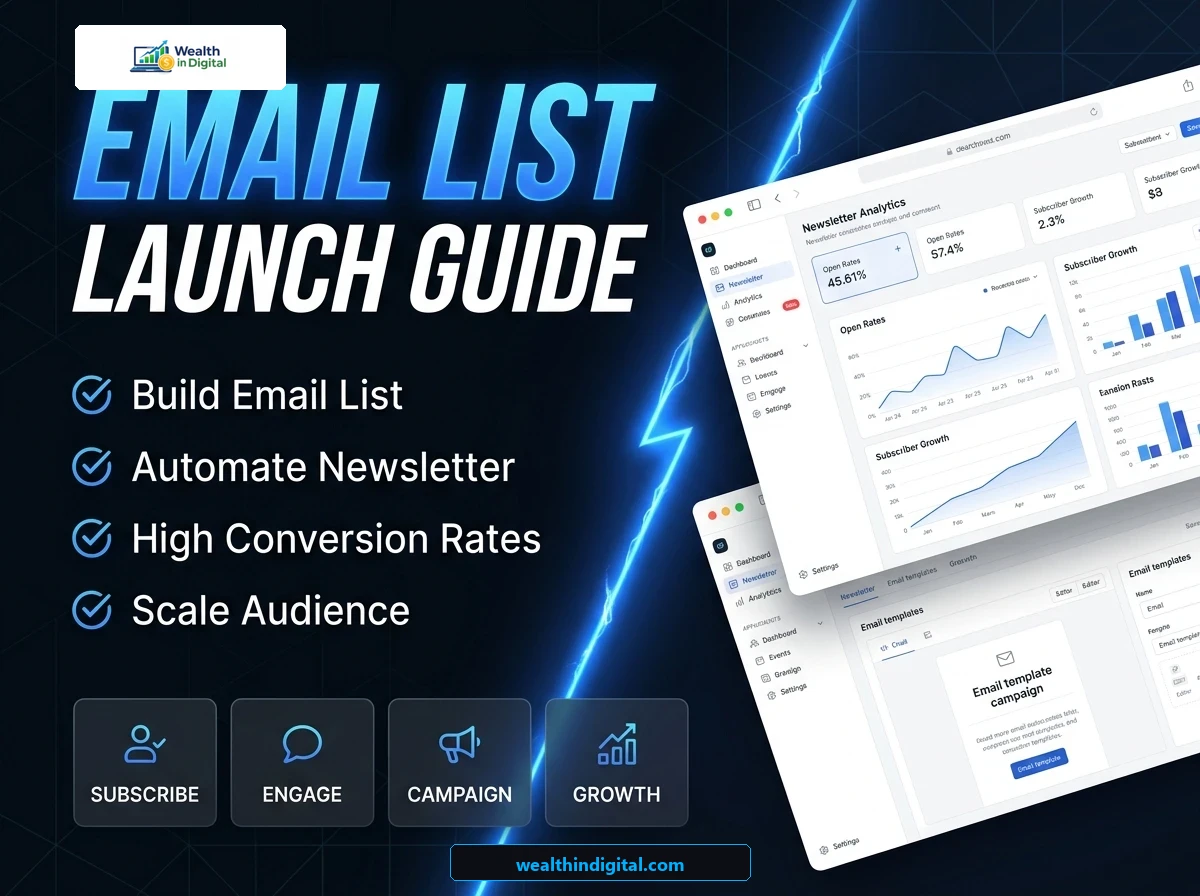
To improve your email campaign results, you should monitor a few key numbers in your dashboard. The most important metrics are your open rate, click-through rate (CTR), and unsubscribe rate. A healthy open rate is usually around twenty percent, while a good CTR is about two to three percent.
If your open rates are low, try writing catchier subject lines or cleaning inactive subscribers from your list. Monitoring these numbers helps you refine your strategy as you set up email list newsletter campaigns. Over time, you will learn what type of content resonates best with your audience.
Regular list cleaning is crucial to maintain high deliverability rates. Removing contacts who have not opened an email in ninety days improves your overall sender score. It also saves you money on platforms that charge based on subscriber counts.
Best Practices to Avoid the Spam Folder
Getting your emails delivered to the primary inbox is essential for list building success. To avoid the spam folder, never buy email lists or send unsolicited messages. Always use a professional business email address (like info@yourdomain.com) rather than a free Gmail account.
You should also include a clear, one-click unsubscribe link at the bottom of every email to comply with legal rules. When you set up email list newsletter templates, keep the design clean and avoid using too many promotional words in your subject lines. These simple steps ensure your messages reach your readers safely. It helps maintain a high sender reputation and ensures long-term list health.
My Recommended Setup for New Bloggers
If you are ready to start, I recommend using a free account on Systeme.io or Mailchimp to set up your initial list. This allows you to build a form and send newsletters without upfront costs.
You can drive visitors to your signup forms by studying our affiliate marketing guide for beginners.
Use free tools like Google Search to find ideas for your first lead magnet. By focusing on list building early, you create an asset that grows in value every single day to build long-term wealth.
Frequently Asked Questions
What is a lead magnet and do I need one?
A lead magnet is a free incentive you offer in exchange for an email address. While you do not strictly need one, having a lead magnet will increase your subscription rate significantly because it gives people a clear reason to join.
How often should I send email newsletters?
For most bloggers, sending a weekly or bi-weekly newsletter is ideal. This keeps your audience engaged without cluttering their inbox. Whichever schedule you choose, consistency is key to building trust with your subscribers.
Can I import contacts from another email tool?
Yes, almost all email marketing platforms allow you to import contacts using a CSV file. However, you must ensure that all imported contacts have given their explicit permission to receive emails from you.
Is it legal to send newsletters without an unsubscribe link?
No, international email laws (like CAN-SPAM and GDPR) strictly require every promotional email to include a clear unsubscribe link and a physical mailing address. Your email software will usually add these details automatically.
Reviewed by Wealth In Digital Editorial Team | Updated July 2026 | 7 min read | Sources: Verified Industry References
If you face any problems or need more information, feel free to ask in the comment section below or email us directly at info@wealthindigital.com.