Last Updated: June 2026 | ⏱️ Read Time: 5 min read
Sources: Verified industry references (Google, Microsoft, OpenAI)
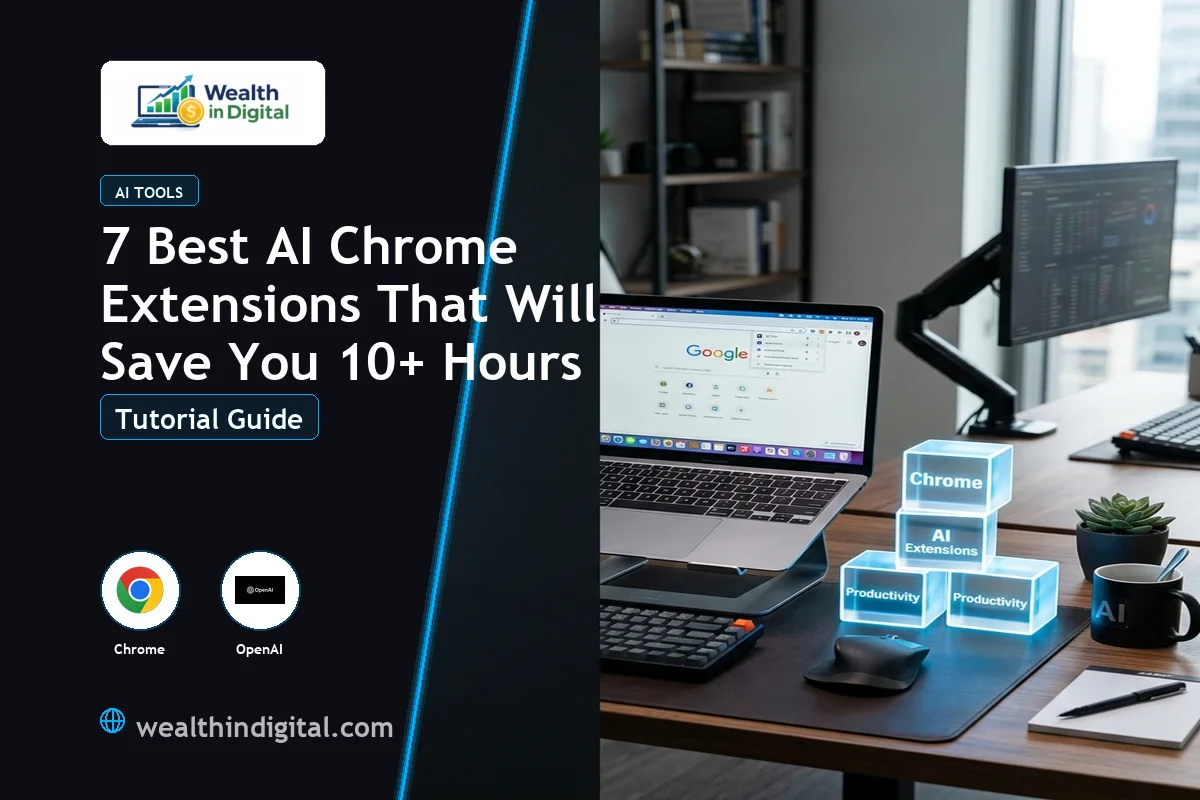
If you feel like you are constantly running out of time, you are not alone. Between managing emails, drafting content, and researching topics, the modern work day can feel overwhelming. Fortunately, installing the best AI chrome extensions on your browser can help you reclaim hours of your life every single week. Instead of switching tabs or opening separate AI tools, these add-ons bring the power of artificial intelligence directly to your active browser window.
I know how exhausting it is to search for tools that actually deliver on their promises. That is why we tested dozens of tools to find options that truly save time. In this guide, we explore the top tools that will streamline your work, help you write faster, and automate tedious daily tasks.
Why the Best AI Chrome Extensions Are Essential for Productivity
Traditional browser add-ons are helpful, but AI-powered tools take browser efficiency to a whole new level. They do not just block ads or save bookmarks; they read, summarize, write, and think alongside you in real time. Finding the best AI chrome extensions for your workflow depends on what you do most, whether that is coding, writing copy, or analyzing spreadsheets.
By bringing AI capabilities into your browser, you eliminate the constant context-switching that drains your energy. Let’s explore the features that make these tools the best AI chrome extensions on the market today.
Top 7 AI Chrome Extensions to Install Today
1. MaxAI.me
MaxAI.me is an all-in-one AI partner that works on any webpage. With a simple shortcut, you can open a sidebar to chat with models like ChatGPT, Claude, and Gemini. It lets you summarize long articles, rewrite emails, and explain complex concepts on the fly. It is easily one of the best AI chrome extensions for research and general browsing.
- Best for: Full-page summaries and universal AI chat sidebar.
- Time saved: Up to 3 hours weekly.
2. ChatGPT Writer
If your inbox is overflowing, ChatGPT Writer is the answer. This tool focuses entirely on writing high-quality email replies. It integrates directly into Gmail, allowing you to generate professional responses with a single click. Many professionals agree that these are the best AI chrome extensions for speed and inbox zero.
- Best for: Generating email replies and messages inside Gmail.
- Time saved: Up to 2.5 hours weekly.
3. QuillBot
QuillBot is a premium writing assistant designed to help you edit, paraphrase, and refine your sentences. If you struggle to find the right words or want to simplify complex sentences, QuillBot rewrites them instantly. It also includes a grammar checker to keep your writing polished and professional.
- Best for: Paraphrasing text and grammar correction.
- Time saved: Up to 2 hours weekly.
4. Monica
Monica is an advanced AI assistant that enhances your search engine results. When you search on Google, Monica provides an AI-generated summary alongside the search results. This prevents you from clicking through multiple links to find simple answers, making it one of the best AI chrome extensions for quick information gathering.
- Best for: Enhanced search engine queries and quick lookups.
- Time saved: Up to 1.5 hours weekly.
5. Merlin
Merlin specializes in summarizing video content and long web documents. If you need to research a topic but do not have time to watch a 30-minute YouTube video, Merlin can summarize the key points in seconds. It is a massive time-saver for students, marketers, and researchers.
- Best for: YouTube video summaries and blog article TL;DRs.
- Time saved: Up to 2 hours weekly.
6. Compose AI
Compose AI uses predictive text to autocomplete your sentences as you type. It learns your writing style over time and suggests natural continuations for your emails, documents, and chat messages. To get the most value, combine the best AI chrome extensions like Compose AI with specialized editors to build a custom writing workflow.
- Best for: Real-time writing autocomplete and phrase suggestions.
- Time saved: Up to 1.5 hours weekly.
7. Grammarly
Grammarly remains the gold standard for writing accuracy. The AI-powered assistant checks your spelling, tone, and grammar in real time across all websites. It ensures that your emails, comments, and blog posts are always professional and free of errors.
- Best for: Real-time tone adjustment and editing accuracy.
- Time saved: Up to 1 hour weekly.
Comparison of the Top AI Extensions
Here is a comparison of the best AI chrome extensions to help you choose the right tools for your specific daily workflow:
Ultimately, the best AI chrome extensions are those that integrate smoothly with your daily routine. Do not try to install all of them at once. Start with one or two that address your biggest productivity bottlenecks, then add more as you get comfortable.
FAQs About AI Chrome Extensions
Which are the best AI chrome extensions for writing?
QuillBot and ChatGPT Writer are excellent choices for writing. QuillBot excels at editing and restructuring existing sentences, while ChatGPT Writer is perfect for drafting email replies from scratch.
Do the best AI chrome extensions work offline?
Most AI-powered extensions require an active internet connection. This is because they send your text queries to cloud-based servers hosting large language models like GPT-4 or Claude to process the information.
Are these browser extensions safe to use?
Yes, reputable extensions from the official Chrome Web Store are safe. Also, always review the data privacy policies of each tool before installing, especially if you handle sensitive client documents or personal financial data.