Last Updated: June 2026 | ⏱️ Read Time: 5 min read
Sources: Verified industry references (Google, Microsoft, OpenAI)
Running a digital business today can feel like trying to drink water from a firehose. The endless list of tasks—responding to client emails, scheduling meetings, writing content, and tracking metrics—leaves many entrepreneurs feeling completely overwhelmed and short on time. Fortunately, you do not have to do it all manually. Using the right AI tools for business productivity can help you reclaim hours of your workweek, allowing you to focus on the high-level strategies that actually grow your income.
Why AI Tools for Business Productivity are Essential Today
Many freelancers and business owners believe that working harder is the only way to scale. However, the top-performing creators know that scaling is about building systems. When you integrate AI tools for business productivity into your workflows, you are essentially hiring virtual assistants that run in the background 24/7. These tools do not sleep, they make fewer mistakes, and they execute tasks in seconds that would otherwise take you hours.
Instead of fearing automation, smart entrepreneurs use it to work smarter. By outsourcing repetitive, low-value tasks to AI tools for business productivity, you free up your mental energy to focus on marketing, product development, and building deep relationships with your audience.
Top 10 AI Productivity Tools to Automate Your Workflows
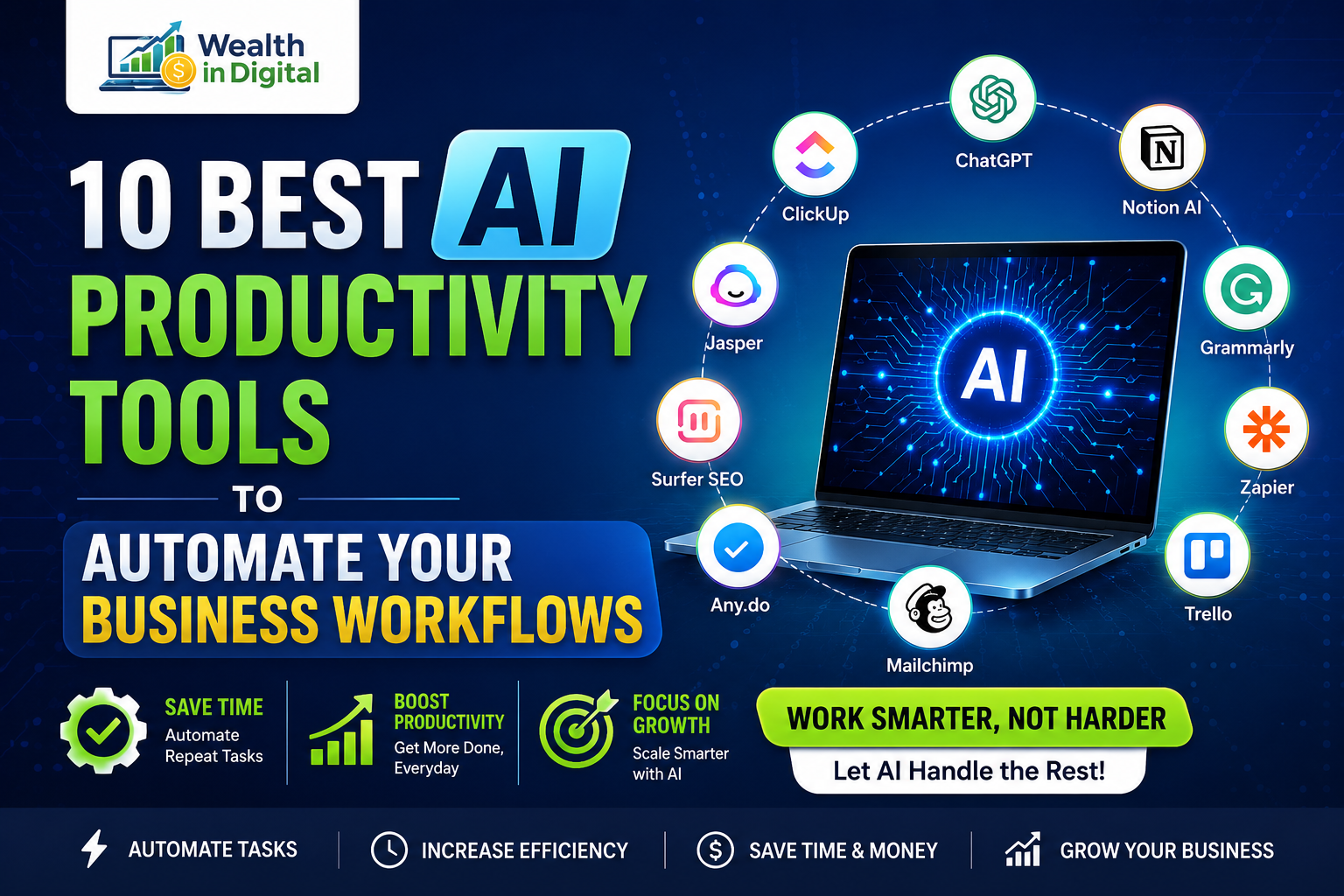
Here is a list of the best AI-powered software programs designed to streamline your business tasks and boost your daily output:
1. Notion AI (For Knowledge Management & Writing)
Notion is already a great tool for organizing your business, but Notion AI takes it to another level. It can summarize long meeting notes, draft blog post outlines, change the writing tone of your drafts, and brainstorm product ideas. It operates like a co-writer right inside your document workspace.
2. Zapier / Make.com (For Workflow Automation)
If you want your apps to talk to each other without writing code, these are the ultimate tools. You can build automation sequences that trigger actions across different platforms. For example, when a new lead submits a form on your website, Zapier can automatically add them to your email list and send a notification to your Slack channel.
3. Motion (For Intelligent Task Scheduling)
Motion is an AI-driven calendar and task manager that acts as a personal assistant. You input your tasks, deadlines, and meetings, and Motion automatically builds your daily schedule. If a meeting gets rescheduled, the AI recalculates your calendar instantly to ensure you still hit all your project deadlines.
4. Eightify (For YouTube Summaries)
As a business owner, you need to learn constantly. But watching a 2-hour video tutorial can be a massive time-drain. Eightify uses AI to summarize long YouTube videos into 8 key bullet points in under 5 seconds. This helps you extract the core value of video courses without wasting valuable time.
5. Fireflies.ai (For Automated Meeting Transcription)
No one likes taking minutes during meetings. Fireflies.ai joins your Zoom or Google Meet calls, records the audio, transcribes the conversation, and generates a structured summary of action items. You can search the transcript for key terms and share notes with your team instantly.
6. ChatGPT (For Brainstorming & Research)
ChatGPT remains one of the most versatile AI tools for business productivity. Whether you need to debug a piece of code, write email responses, outline a presentation, or research market trends, it provides immediate answers that speed up your planning phase.
7. Claude (For Empathetic Copywriting)
While ChatGPT is great for coding and logic, Claude excels at writing warm, humanized copy. You can use it to write newsletter sequences, landing page copy, and client onboarding messages that build trust and convert readers into buyers.
8. Grammarly (For Polishing Content)
Clear communication is a digital asset. Grammarly’s AI assistant goes beyond spelling corrections. It analyzes the tone, clarity, and engagement level of your writing, ensuring that every pitch email or blog draft you send is professional and polished.
9. QuillBot (For Paraphrasing & Rewriting)
If you have written a paragraph that sounds too dry or repetitive, QuillBot can rewrite it in multiple tones. It is a fantastic tool for content repurposing, allowing you to turn a single blog paragraph into multiple unique social media captions quickly.
10. Otter.ai (For Voice-to-Text Drafting)
Sometimes, speaking is faster than typing. Otter.ai transcribes your spoken voice in real-time. You can talk out loud to draft your next blog article, record ideas while driving, or brainstorm marketing concepts, and Otter will convert your voice into structured draft text.
How to Choose the Right Software for Your Team
With so many new software programs launching every week, it is easy to fall into the trap of subscription fatigue. To keep your workflow clean, only adopt tools that solve a specific friction point in your business. Start with one tool—like Motion for scheduling or Notion AI for notes—and master it before adding more systems to your stack.
You can also check out verify industry references on sites like G2 or Capterra to read real user reviews and compare pricing plans before making a final buying decision.
People Also Ask (FAQ)
What are the best free AI tools for business productivity?
ChatGPT and Notion AI both offer robust free plans that are perfect for beginners. You can use them for daily brainstorming, basic writing assistance, and simple workflow organization without spending a dollar.
Will using AI replace human workers?
The bottom line is that AI will not replace human workers, but people using AI tools will replace those who do not. AI serves as a powerful accelerator, but human empathy and strategic decision-making remain essential for business success.
Are these tools secure for sensitive business data?
Most reputable platforms like Slack, Notion, and Grammarly have strict data security measures. However, always review their privacy policy and avoid pasting highly confidential personal client data or raw passwords into public generative AI models.